


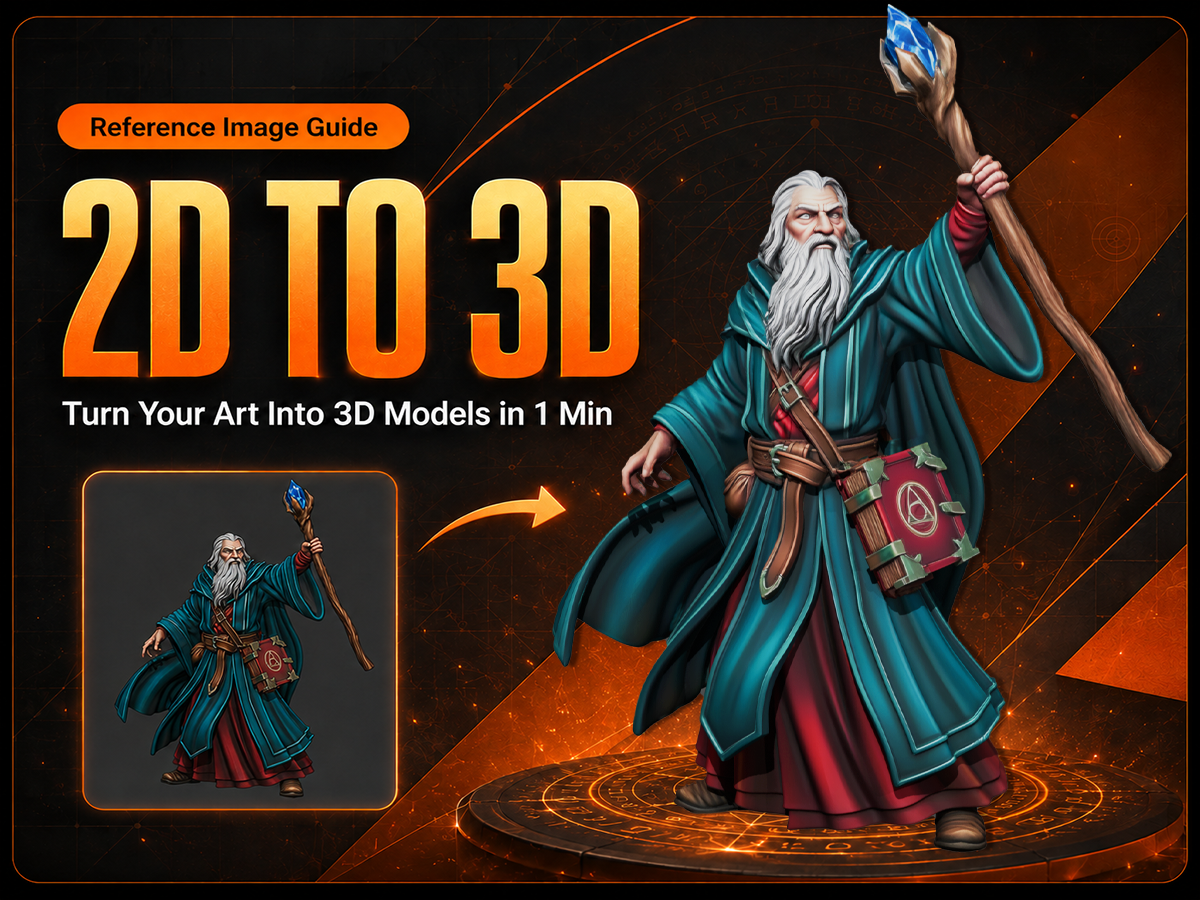
Bring Your Character to Life with the Right Reference Image
Every great miniature begins with a clear vision.
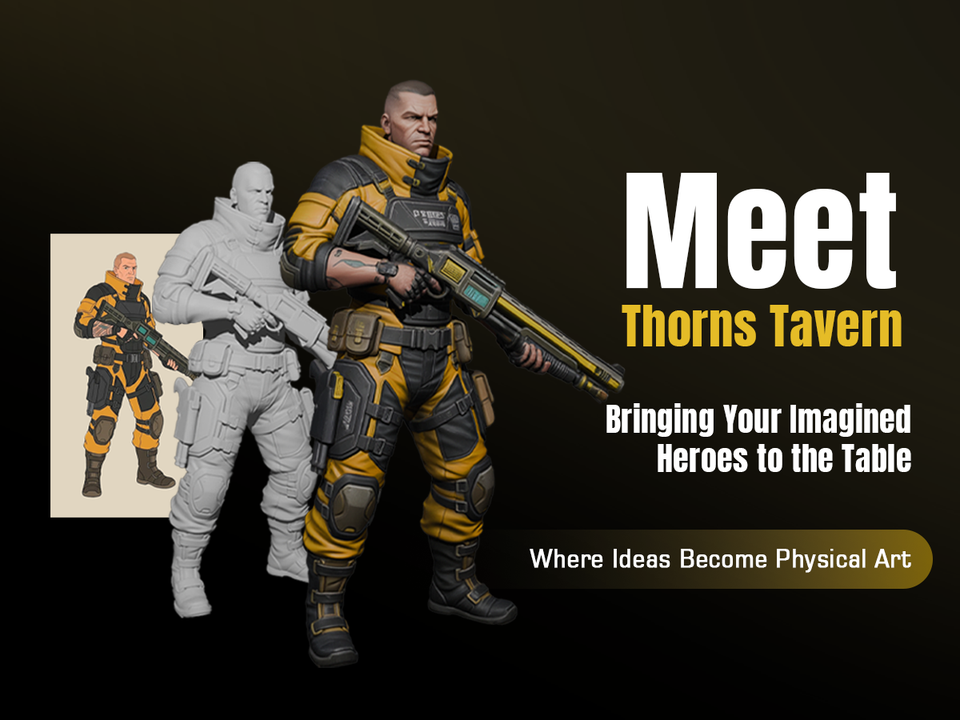
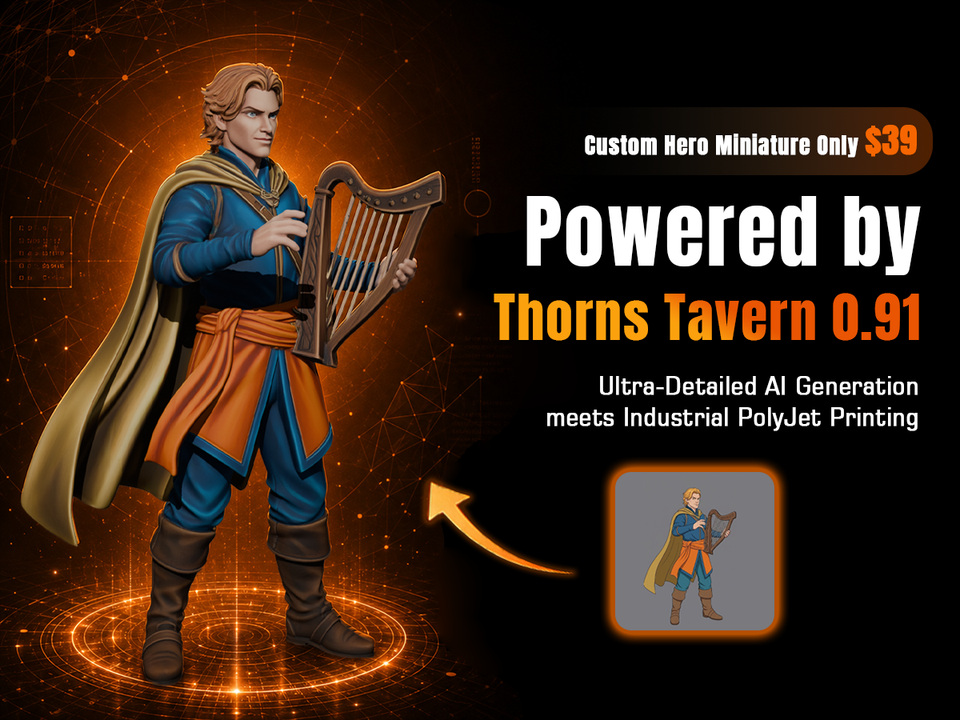
Whether you are recreating your favorite adventurer, designing an original hero, or bringing a fantasy creature into the physical world, the quality of your reference image plays an important role in the final 3D model.
Follow these tips to give Thorns Tavern’s AI the best foundation for creating your miniature.
Choose a Clear and Readable Image
A strong reference image helps the AI understand your character’s shape, details, and overall design.
For the best results:
- Use a clear image where the character is easy to see.
- Avoid heavy motion blur, extreme crops, dark lighting, or visual effects that hide important details.
- Choose a full-body or mostly full-body image whenever possible.
- Use a single character as the main subject.
- Make sure important features such as weapons, wings, tails, armor, and accessories are fully visible.
- Avoid busy backgrounds that distract from the character’s silhouette.
The clearer the character’s outline and details are, the better the AI can recreate your vision.
Provide Helpful Visual Details
Different angles and details can help the AI better understand your character.
Whenever possible:
- Show the complete character silhouette.
- Include unique features that define the design.
- Avoid covering important areas with props, effects, or other characters.
Remember: AI can only interpret what it can clearly see.
Review and Refine Your Creation
After generation, compare your miniature with the original reference.
Check:
- Does the pose match your character?
- Does the overall silhouette feel right?
- Are the key features and equipment represented correctly?
If something feels different from your vision, try adjusting the reference image or adding extra guidance before generating it again.