

Build the prompt in layers
Text to 3D prompts should be descriptive but controlled. Start with the subject, add the pose, define the important gear, then finish with style and production notes. This keeps the request easy to interpret.
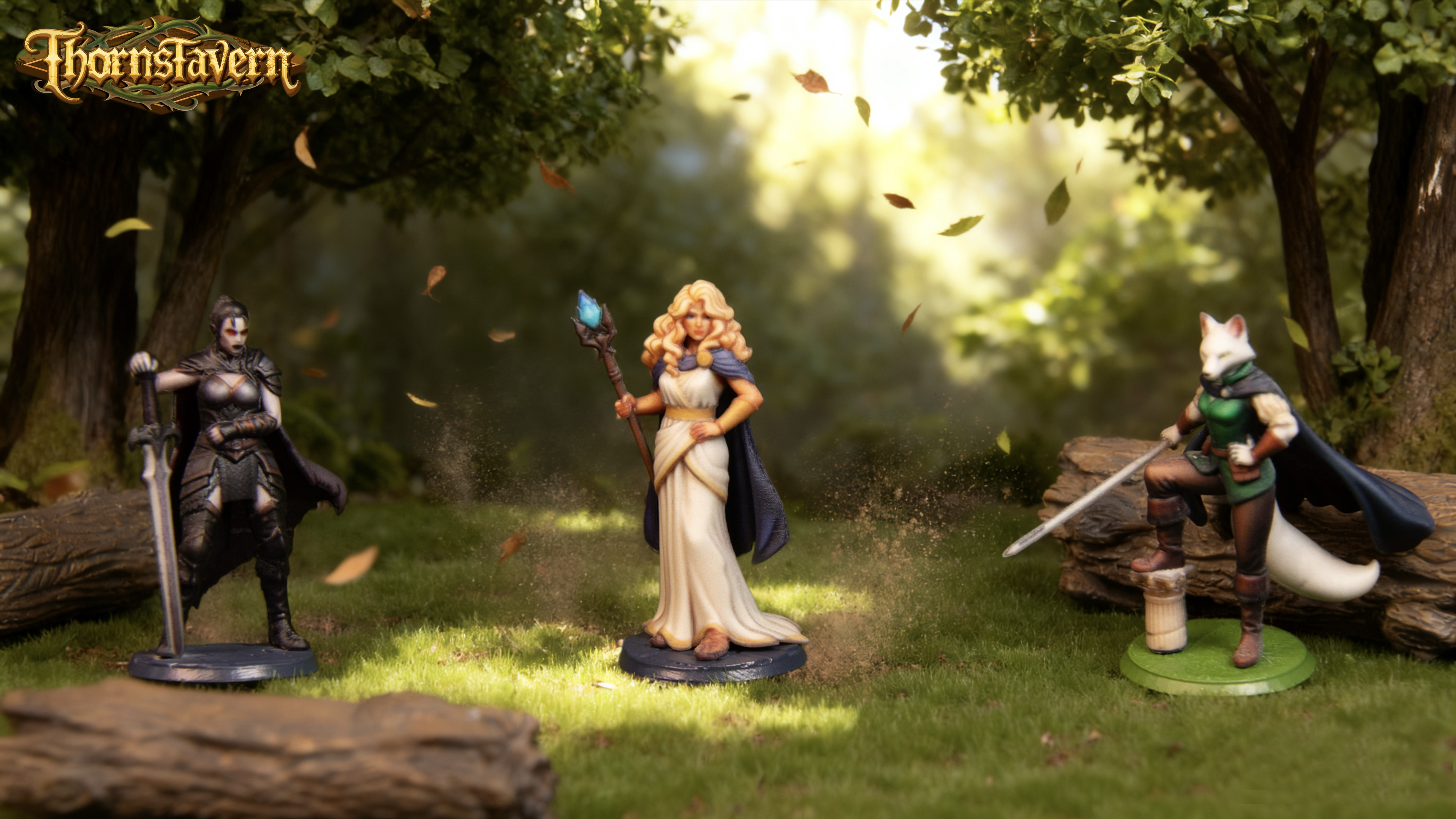
- Subject: armored knight, forest druid, cyber archer, crystal golem.
- Pose: standing, charging, casting, guarding, perched, kneeling.
- Details: cloak, shield, staff, horns, banner, mechanical arm.
- Output intent: tabletop miniature, collectible figure, clean 3D asset.
Avoid conflicting instructions
Do not ask for too many unrelated styles in one prompt. A miniature cannot be both ultra-minimal, heavily baroque, realistic, cartoon, and low-poly at the same time. Pick the two or three traits that matter most.
Iterate from broad to specific
Generate a broad version first, then refine. Once the silhouette works, adjust details such as weapon type, armor texture, facial mood, or base design in the next attempt.