



Check the public preview first
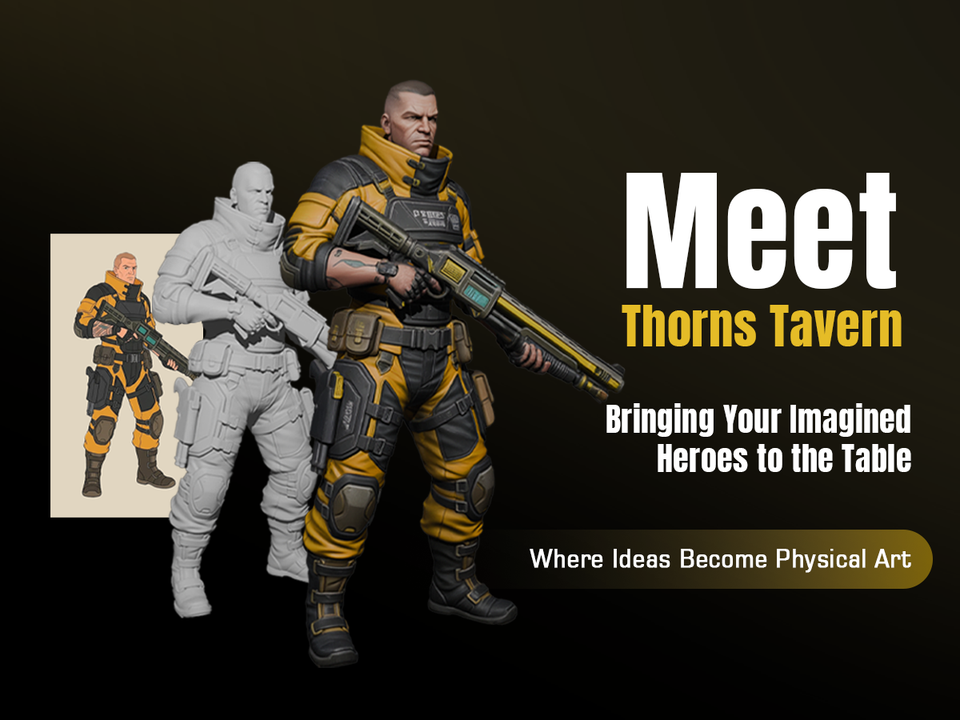
Before sharing a model, open its detail page and confirm that the preview loads, rotates, and communicates the object clearly. A working preview is the fastest way for another person to understand the result.
- Confirm the thumbnail and preview image are readable.
- Open the model viewer and inspect the object from multiple angles.
- Check whether the file format is available for the intended use.
- Only publish or share models that are meant to be visible outside your workspace.
Keep downloads intentional
Downloads should match the production need. Use original quality when the recipient needs the best available asset, and keep preview-quality assets focused on fast browser viewing.
Final publishing pass
Before publishing, review title, description, visibility, image, and file readiness. Small metadata improvements make the model easier to find, understand, and trust.